
Live Channels
Live Channels let you create 24/7 linear streaming experiences, just like traditional TV. Perfect for FAST (Free Ad-Supported Streaming TV) channels or premium linear content.
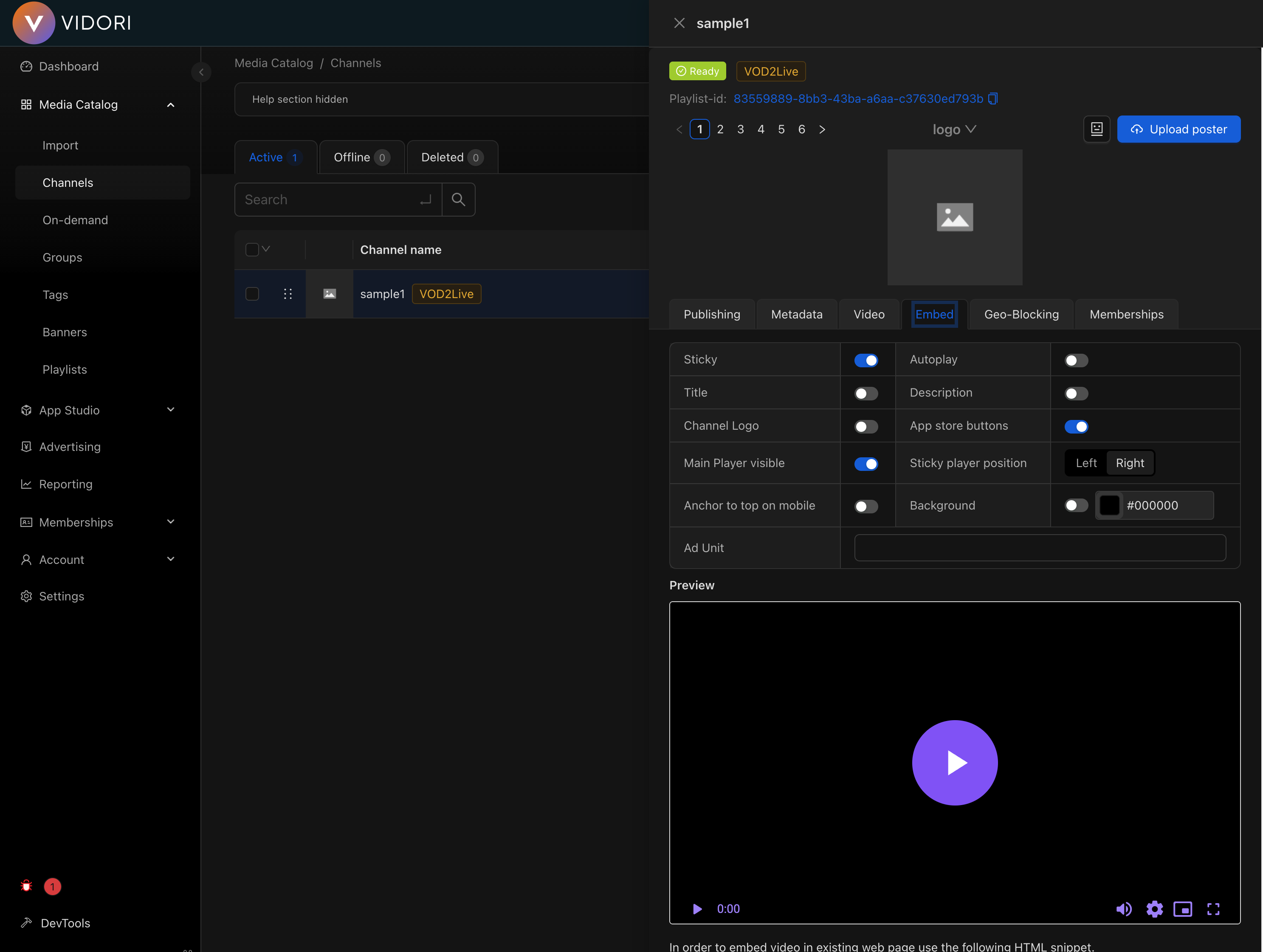
Channel Types
Section titled “Channel Types”Convert your on-demand library into a continuous linear stream.
- Automatically loops through playlists
- Schedule-based programming
- Low operational overhead
- Perfect for FAST channels
Broadcast live events in real-time.
- RTMP ingest support
- Low-latency streaming
- DVR capabilities
- Live chat integration
Schedule one-time broadcasts with automatic announcement and optional replay.
- Scheduled start time and duration
- Configurable announcement window (1 hour to 7 days before)
- Automatic recording and replay (Cloudflare CDN)
- Lifecycle: Scheduled → Upcoming → Live → Ended
See Live Events for the full guide.
Creating a Channel
Section titled “Creating a Channel”-
Go to Catalog → Channels
-
Click Create Channel
-
Choose channel type (VOD2Live, Live, or Live Event)
-
Configure basic settings:
- Channel name
- Description
- Thumbnail
- Category
-
Set up your content source (playlist or RTMP)
-
Configure monetization (optional)
-
Click Create
Live Streaming Setup
Section titled “Live Streaming Setup”Use RTMP ingest when you want to push a live stream from an encoder (OBS, Wirecast, vMix, etc.) through the Vidori CDN.
Getting Your Credentials
Section titled “Getting Your Credentials”- Open your channel
- Go to Settings → Stream
- Copy your Stream URL and Stream Key
URL: rtmp://ingest.vidori.co/liveKey: your-unique-stream-keyEncoder Settings
Section titled “Encoder Settings”Recommended settings for OBS, Wirecast, or vMix:
| Setting | Value |
|---|---|
| Codec | H.264 |
| Bitrate | 4,000-8,000 Kbps |
| Resolution | 1920x1080 |
| Framerate | 30 fps |
| Keyframe | 2 seconds |
| Audio | AAC, 128 Kbps |
Use an external manifest when your live stream is already being produced and delivered by another provider or CDN. Instead of pushing a stream through Vidori’s ingest infrastructure, you provide the manifest URL directly and Vidori uses it for playback.
- Go to Catalog → Channels
- Click Create Channel
- Choose Live as the channel type
- Enter the channel name
- Paste your HLS (
.m3u8) or DASH (.mpd) manifest URL in the External Manifest URL field - Click Create
The channel will be created in Ready state immediately — no RTMP/SRT ingest credentials are configured since the stream is delivered externally.
Supported manifest formats:
- HLS — URLs ending in
.m3u8 - DASH — URLs ending in
.mpd
When to use external manifests for live channels:
- Your live stream is produced and delivered by an external provider (e.g., Wowza, AWS MediaLive, Akamai)
- You want to aggregate live streams from multiple sources into a single channel lineup
- You have an existing CDN setup for live delivery and don’t need Vidori’s ingest infrastructure
- You are restreaming a third-party live feed (with permission) into your app
Channel Settings
Section titled “Channel Settings”Open any channel’s sidebar by clicking on it in the channels table. The Publishing tab contains the following settings:
Autoplay
Section titled “Autoplay”Controls whether the channel starts playing automatically when a viewer opens the channel details screen in the app.
| Setting | Behavior |
|---|---|
| On (default) | Video starts playing automatically when the viewer opens the channel. The stream begins muted to comply with browser autoplay policies. |
| Off | The player loads but waits for the viewer to press play. Audio is not muted when playback begins. |
Distribution
Section titled “Distribution”Your channels are automatically available on:
- Embeddable Web player
- Desktop Web and Mobile Web
- iOS and Android native apps
- Connected TV apps (Roku, Fire TV, Apple TV)
- Third-party FAST platforms (with syndication enabled)